
A cinematic multi-shot sequence with controlled motion, lighting, and consistent visual direction.
Seedance 2.0 Mini is an AI video generator that turns a single text prompt or a still image into a cinematic clip. Built on the lightweight model, it keeps generation fast and affordable while letting you choose standard or fast mode, tune resolution and duration, and download the finished video in seconds. No camera, no timeline, no editing software, just describe the shot and watch it come to life.
Authorized partner showcase media for visual inspiration. Not claimed as output generated on this site.
A cinematic multi-shot sequence with controlled motion, lighting, and consistent visual direction.
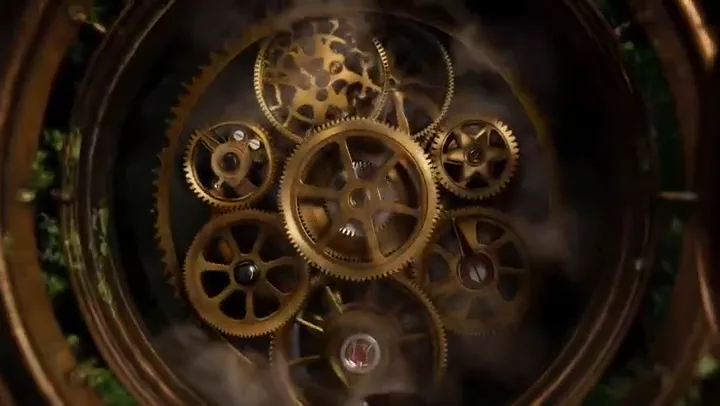
A polished AI video preview with coherent camera movement and a cinematic composition.

A dynamic story beat with stable motion, clear subject direction, and film-like pacing.
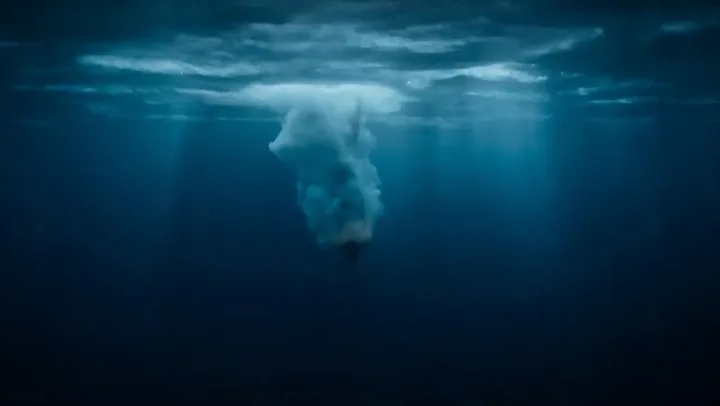
A detailed cinematic frame selected from an authorized AI video showcase.
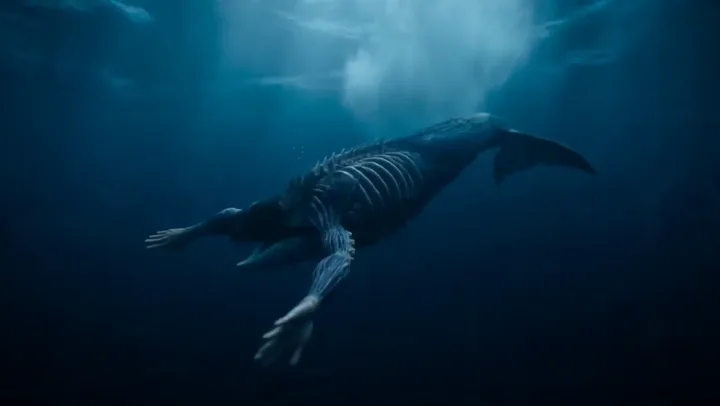
A high-contrast scene with deliberate framing and smooth visual continuity.
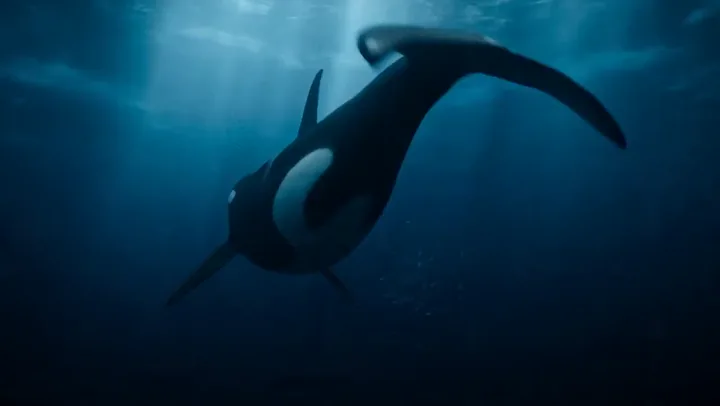
A cinematic sequence using controlled lighting and a consistent visual language.

A clean AI video preview with stable subject movement and a polished finish.
A visually coherent scene designed to demonstrate cinematic AI video presentation.
From a quick idea to a finished clip, the Seedance 2.0 Mini AI video generator keeps the workflow simple without hiding the controls that matter. Every feature below is wired to the same model that powers the app.
Describe a scene in plain words and Seedance 2.0 Mini renders it into a smooth, cinematic video clip. Text to video is the fastest way to go from an idea in your head to a finished shot, no footage or stock library required.
Upload a still image and let the model bring it to life with natural motion, camera moves, and depth. Image to video is ideal for animating product photos, illustrations, and portraits into share-ready clips.
Generate 480p, 720p, or 1080p clips depending on the model mode you choose. Every video downloads in crisp, high-definition quality that is ready to post, embed, or hand off to a client.
Pick standard mode for the highest resolution, or fast mode when iteration speed matters more. Fast mode returns most clips in under a minute, so you can test prompts, compare takes, and refine without waiting.
Produce landscape, portrait, or square video with 5, 8, 10, or 15 second durations. Seedance 2.0 Mini adapts to YouTube, TikTok, Reels, ads, and product pages without re-cropping or re-rendering your work.
Download every clip you make and use it across your own content and commercial projects. The video is yours to publish, monetize, and build on.
The homepage reflects the same generation options wired through the app: model mode, resolution, duration, aspect ratio, and text or image input. Here is exactly what Seedance 2.0 Mini supports so you know what to expect before you spend a single credit.
Runs the bytedance/seedance-2 model with 480p, 720p, and 1080p output. Standard mode is the setting to choose when final quality matters most.
Runs the bytedance/seedance-2-fast model with 480p and 720p output. Fast mode trades the 1080p ceiling for quicker turnaround while you iterate on prompts.
Choose 5s, 8s, 10s, or 15s clips. Credit cost scales with length, so short drafts stay cheap and longer hero shots remain predictable.
Generate for 16:9, 9:16, or 1:1 layouts and match the platform you publish to without cropping the AI video after export.
Start from a text prompt or upload an image as a visual reference. Both inputs feed the same generation pipeline end to end.
Choose a plan or credit pack. Seedance 2.0 Mini uses 50 credits for a 5-second 480p video or 110 credits for a 5-second 720p video. Failed generations are refunded automatically.
Starter
2,000 credits
5-second Mini videos
18–40 Seedance 2.0 Mini videos (5s)
Plus
3,600 credits
5-second Mini videos
32–72 Seedance 2.0 Mini videos (5s)
Pro
7,500 credits
5-second Mini videos
68–150 Seedance 2.0 Mini videos (5s)
Compare the product credits charged for each supported model and configuration.
Standard
With source video
Standard
With source video
Standard
Audio off
Audio on
Standard
Fast
Quality
Source video
Standard audio
Pro audio
Your exact cost appears in the generator after you select all settings and materials.
Everything you need to know about Seedance 2.0 Mini before you start creating.
Sign in and turn your next prompt into a video in minutes with Seedance 2.0 Mini. No camera, no editing skills, and no software to install, just describe the shot and let the AI video generator do the rest.